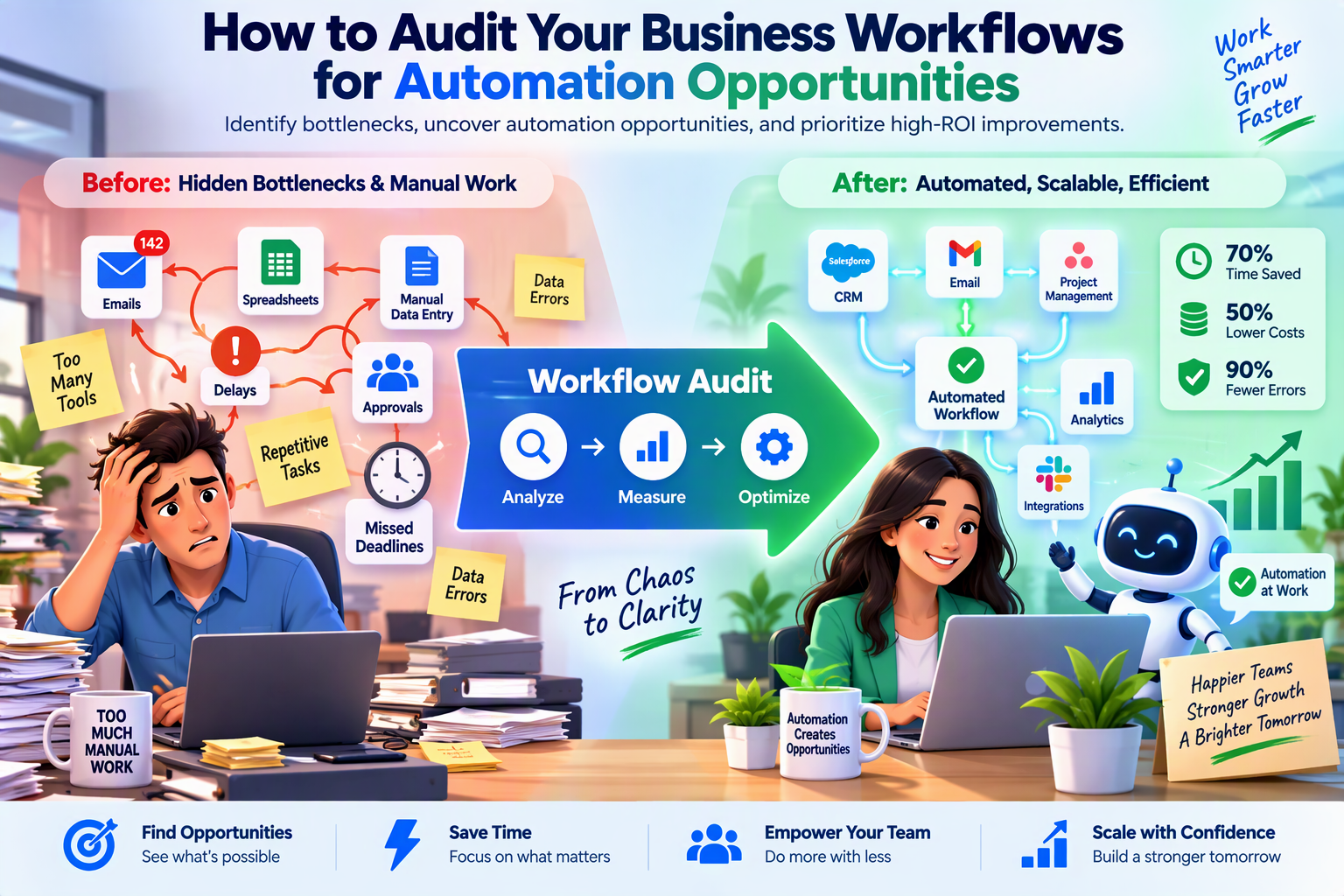
How to Audit Your Business Workflows for Automation Opportunities
How to Audit Your Business Workflows for Automation Opportunities
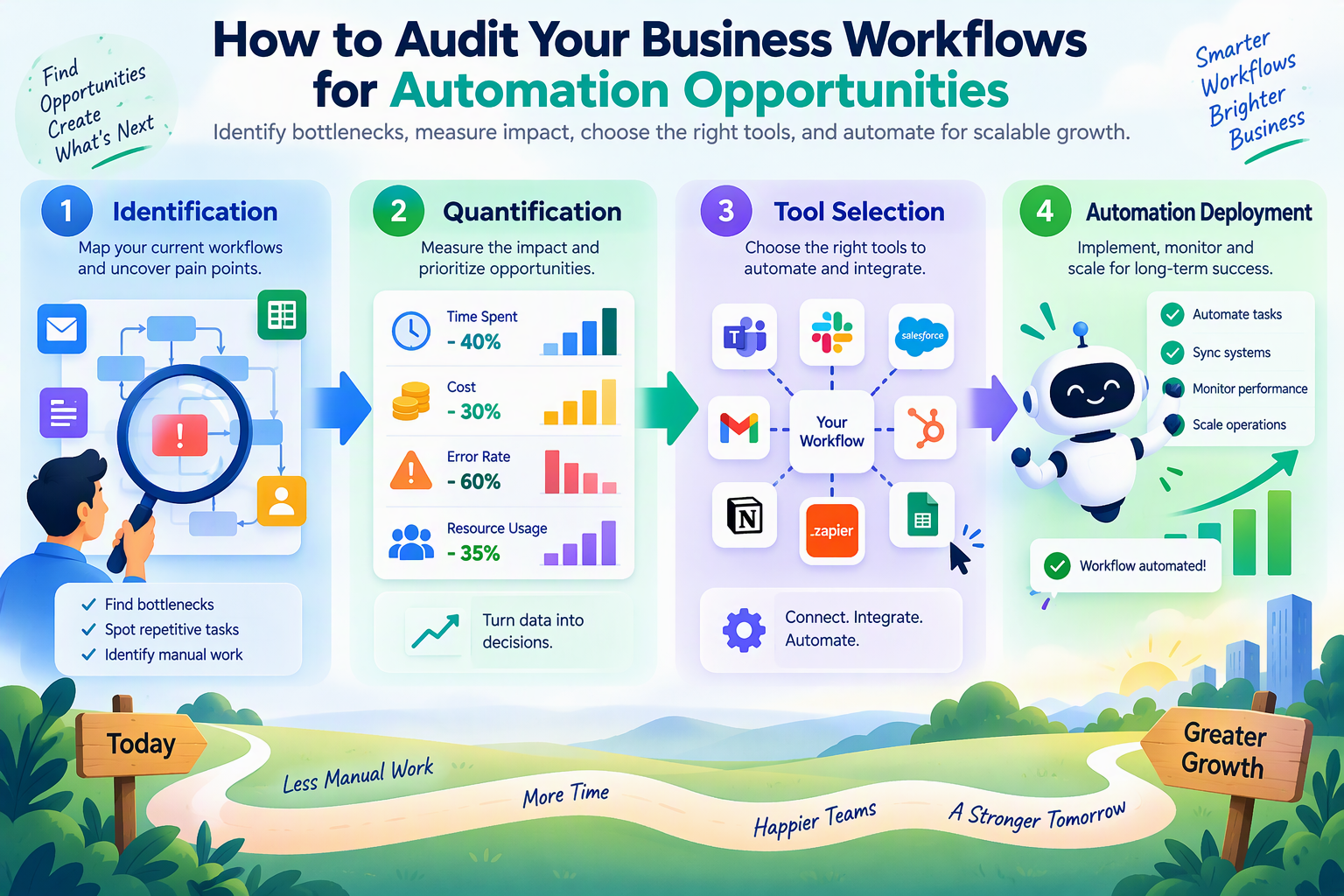
Automation is one of the most effective ways for businesses to boost productivity, cut operational costs, and scale without constantly adding headcount. Yet many organizations make the mistake of investing in automation tools before understanding which workflows actually need improvement.
The result? Expensive software subscriptions, fragmented processes, and disappointing returns.
The smarter approach is to begin with a workflow audit. By conducting a structured review of your business operations, you can identify automation opportunities that deliver measurable value while avoiding unnecessary complexity.
This workflow audit guide will walk you through a practical framework for evaluating your current processes, documenting workflows, identifying bottlenecks, and prioritizing automation projects based on return on investment (ROI).
Why Every Business Needs a Workflow Audit Before Automation
Automation should solve a problem, not create one.
Before implementing any technology, you need clear visibility into how work moves through your organization. A workflow audit provides that visibility by helping you:
Understand how tasks are completed today
Identify repetitive manual work
Detect bottlenecks and inefficiencies
Pinpoint processes that consume too much time
Uncover opportunities for automation and optimization
Establish measurable performance benchmarks
Whether you're a growing startup, an established company, or seeking SMB efficiency consulting, the first step is understanding where your operational friction exists.
Pre-Audit Mindset: Focus on Pain Points, Bottlenecks, and Time Sinks
One of the biggest mistakes businesses make during an audit is documenting processes without evaluating their effectiveness.
The goal is not simply to map workflows. The goal is to uncover inefficiencies.
As you begin your audit, ask questions such as:
Where does work consistently slow down?
Examples include:
Customer onboarding approval delays
Employee onboarding paperwork
Invoice processing bottlenecks
Inventory update delays
Customer support escalation queues
Which tasks are highly repetitive?
Some common candidates include:
Data entry
Report generation
Appointment scheduling
Email follow-ups
Lead assignment
Invoice creation
Where do human errors occur most often?
Manual processes frequently create:
Data inaccuracies
Duplicate records
Missed deadlines
Compliance risks
Communication gaps
Which processes create employee frustration?
Your team often knows exactly where inefficiencies exist. Interview department leaders and frontline employees to discover:
Time-consuming tasks
Frequent workarounds
Manual handoffs
Unnecessary approvals
A successful audit starts with identifying processes that drain time, budget, and productivity.
The Step-by-Step Business Process Mapping Tutorial
Before deciding what to automate, you must understand how work currently flows through your organization.
A simple and highly effective business process mapping tutorial follows four key components:
Step 1: Identify the Workflow
Start with a single business process.
Examples include:
Lead management
Customer onboarding
Order fulfillment
Accounts payable
Employee onboarding
Service request management
Document the purpose of the workflow and its expected outcome.
Example:
Workflow: Customer Onboarding
Goal: Move new customers from contract signing to service activation.
Step 2: Define Inputs
Inputs are the resources required to begin the process.
Examples:
Customer contract
Purchase order
Service request
Website form submission
Employee application
Ask:
What information initiates the workflow?
Where does the information originate?
Is data manually entered?
Step 3: Identify Triggers
Triggers are events that start the process.
Common triggers include:
New customer signup
Form submission
Payment received
Support ticket opened
Manager approval
Every workflow should have a clearly defined starting point.
Step 4: Map Actions
Actions are the steps required to complete the workflow.
Example:
Customer Onboarding Workflow
Sales closes deal
Contract uploaded
Customer data entered into CRM
Welcome email sent
Project created
Internal team notified
Kickoff meeting scheduled
Document every action, no matter how small.
This often reveals redundant tasks hiding within the process.
Step 5: Define Outputs
Outputs are the final results produced by the workflow.
Examples include:
Activated customer account
Completed invoice
Delivered product
Approved employee onboarding
Resolved support ticket
Ask:
What does success look like?
Is the desired outcome consistently achieved?
Workflow Audit Template
Use the following framework:
Component | Questions to Answer |
|---|---|
Inputs | What information enters the process? |
Trigger | What starts the workflow? |
Actions | What steps are required? |
Decision Points | Where approvals or reviews occur? |
Outputs | What final result is delivered? |
Pain Points | Where delays or errors happen? |
Automation Potential | Which tasks can be automated? |
This template provides a repeatable structure for evaluating every workflow in your business.
Categorizing Tasks: What to Automate, Delegate, and Eliminate
Not every task should be automated.
A common mistake is trying to automate inefficient processes before simplifying them.
Use the following framework to categorize work.
Category 1: Automate
These tasks are repetitive, predictable, and rules-based.
Examples:
Sending confirmation emails
Scheduling appointments
CRM updates
Lead routing
Invoice generation
Report creation
Strong automation candidates typically:
Follow consistent rules
Require minimal judgment
Occur frequently
Consume significant time
Category 2: Delegate
Some tasks require human involvement but don't need executive attention.
Examples:
Customer relationship management
Vendor negotiations
Team coordination
Project management
These activities often benefit from reassignment rather than automation.
Category 3: Eliminate
Many companies are surprised to discover how many processes add little value.
Ask:
Is this report ever reviewed?
Does this approval step serve a purpose?
Can duplicate data entry be removed?
Is this meeting necessary?
Eliminating tasks improves efficiency without requiring software investment.
The 80/20 Rule for Workflow Optimization
Frequently, 20% of business processes generate 80% of operational delays.
Focus first on workflows that:
Affect multiple departments
Occur daily
Directly impact customers
Require significant manual effort
These usually generate the highest returns from automation initiatives.
Prioritizing ROI: Low-Effort, High-Impact Wins vs. Complex System Builds
Not every automation project delivers equal value.
Successful companies prioritize automation based on effort versus impact.
A useful framework is the Automation Opportunity Matrix.
Quick Wins (High Impact, Low Effort)
These should be tackled first.
Examples:
Automated email sequences
CRM data synchronization
Form-to-database integrations
Appointment scheduling automation
Invoice reminders
Benefits:
Fast implementation
Immediate time savings
Minimal disruption
Strategic Investments (High Impact, High Effort)
Examples:
ERP integrations
Full customer onboarding automation
Workflow orchestration platforms
Advanced analytics systems
Benefits:
Significant scalability
Long-term operational gains
Challenges:
Higher costs
Longer deployment timelines
Greater technical complexity
Low-Value Opportunities (Low Impact)
Avoid spending excessive resources on automating minor activities.
Examples:
Rarely used reports
Infrequent manual tasks
Processes scheduled for replacement
Focus your efforts where the business impact justifies the investment.
Scoring Automation Opportunities
Assign each workflow a score from 1-5 in these categories:
Criteria | Score |
|---|---|
Time Saved | 1-5 |
Error Reduction | 1-5 |
Employee Impact | 1-5 |
Customer Impact | 1-5 |
Ease of Implementation | 1-5 |
Prioritize workflows with the highest combined scores.
This simple method helps objectively identify automation opportunities rather than relying on guesswork.
How a Third-Party IT Consultant Uncovers Blind Spots You Might Miss
Internal teams often become accustomed to inefficient processes.
What feels "normal" internally may actually be a significant operational bottleneck.
This is where a third-party consultant adds value.
Objective Process Evaluation
External specialists review workflows without organizational bias.
They can quickly identify:
Duplicate tasks
Unnecessary approvals
Software overlap
Data silos
Visibility gaps
Cross-Industry Experience
Consultants see how similar companies solve operational challenges.
This perspective allows them to recommend proven solutions rather than experimental approaches.
For businesses seeking SMB efficiency consulting, this expertise often accelerates transformation efforts while reducing costly mistakes.
Technology Assessment
Many businesses already own tools capable of supporting automation but use only a fraction of available functionality.
An experienced consultant can evaluate:
CRM systems
ERP platforms
Microsoft 365 environments
Workflow automation tools
Reporting systems
Integration platforms
You may discover that substantial improvements are possible without purchasing new software.
Strategic Automation Roadmaps
Rather than automating random processes, consultants help create a structured implementation plan that aligns with business goals.
A typical roadmap includes:
Workflow assessment
Process mapping
Opportunity identification
Cost-benefit analysis
Tool selection
Implementation planning
Performance measurement
This ensures sustained operational improvement instead of isolated automation projects.

Common Workflow Audit Mistakes to Avoid
As you conduct your audit, avoid these common pitfalls:
Auditing Too Many Processes at Once
Start with one or two high-impact workflows before expanding.
Ignoring Employee Feedback
Frontline employees often have the most accurate understanding of operational inefficiencies.
Automating Broken Processes
Optimize first, automate second.
Focusing Only on Technology
Successful workflow transformation requires process improvement, not just software.
Forgetting Performance Metrics
Always establish baseline measurements so you can track progress after implementation.
Conclusion
Business automation delivers the greatest value when guided by a structured workflow audit. By documenting your workflows, identifying bottlenecks, categorizing tasks, and prioritizing projects based on ROI, you can build an automation strategy that creates measurable results instead of unnecessary complexity.
Whether you're evaluating customer onboarding, sales operations, project management, or back-office administration, the principles remain the same: understand the process, eliminate waste, and automate strategically.
The businesses that gain the greatest competitive advantage aren't necessarily the ones using the most technology. They're the ones using technology to improve the right workflows at the right time.
Ready to Find Hidden Efficiency Gains?
Stop guessing which processes to automate and start making data-driven decisions.
Download our Free Workflow Audit Matrix to evaluate your operations step by step, or book an expert workflow assessment with KD Squares to uncover automation opportunities, eliminate bottlenecks, and build a scalable operational strategy that drives long-term growth.
